
Project story / In-house project
A shorter path from service to enquiry.
Choose a service on this site and the enquiry form remembers it. Here’s how we carry that choice from one page to the next.
01Web Development brief

02Project enquiry
01 / Brief
The constraint
A visitor can arrive from search on any service page. They should not have to return to the homepage, learn our terminology, or restate which service they were reading about.
02 / Delivery
What we changed
We connected each practice to a short enquiry form, carried the selected service into the form, and put direct contact details beside it. Each service also has its own readable HTML page before JavaScript starts.
03 / Result
See it in use
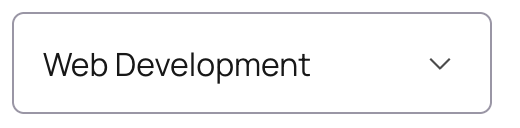
Open Web Development, choose “Discuss your project,” and the form already knows the topic. If sending fails, the draft stays on screen and the visitor can retry or email the studio.
04 / Acceptance test
How to check the handoff yourself
Open the web development service and choose “Discuss your project.” The topic should already be Web Development. Change it to another service: the visitor’s choice should take priority. You can run both checks without sending the form.
That is the result we can demonstrate here. We have not measured a change in enquiries attributable to the redesign.
To write a similar test for your own project, use the website redesign brief and template.